
How Podcasters Can Add a Google Preferred Source Link for AI Search
Google Preferred Sources give signed-in searchers a way to tell Google which publications and sites they want to see more often in certain Search experiences. For podcasters, the practical move is simple: make it easy for loyal listeners to add your show, network, or publication site as a preferred source.
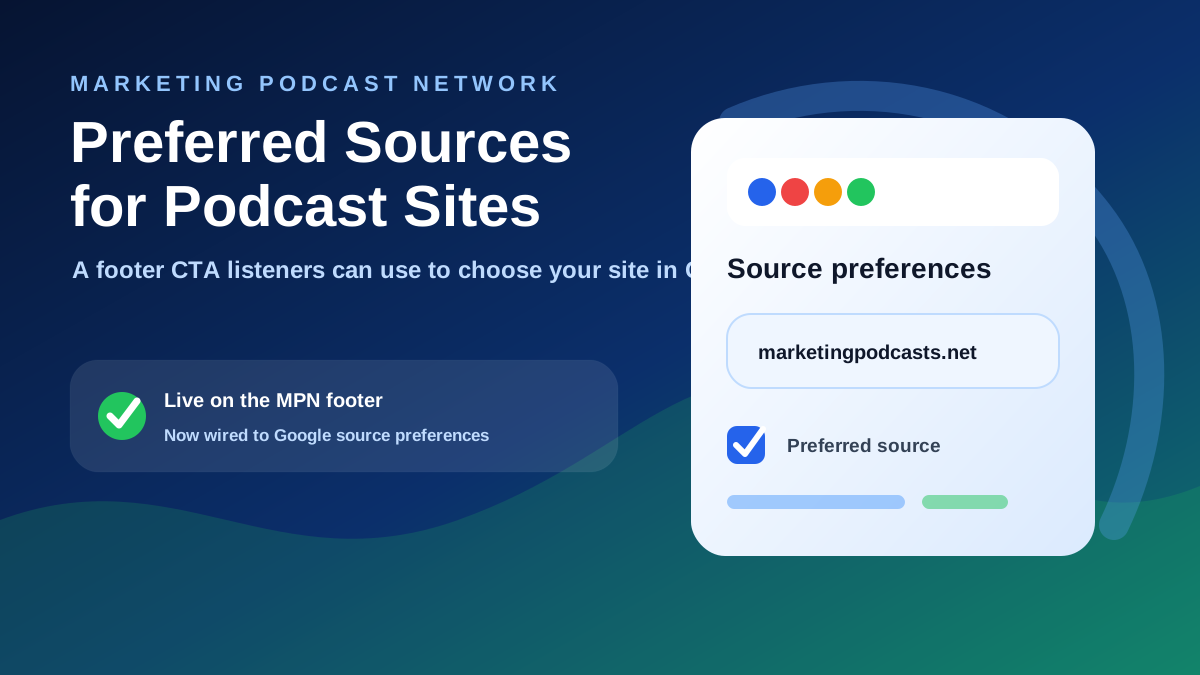
Key Takeaways
- Preferred Sources can help users tailor Top Stories, AI Mode, and AI Overviews, but they do not guarantee rankings or inclusion.
- Podcast sites should use a domain-level link, not a show notes subfolder or one-off episode URL.
- Place the link where loyal listeners already look: the footer, about page, show notes template, and strong episode pages.
What Google Preferred Sources Are
Google describes Preferred Sources as a way for users to select sources they value so those sources can be shown more often or highlighted in eligible Google Search surfaces. Google Search Central says publishers can help readers select their site through a JavaScript button or a deeplink.
For simple website implementation, the deeplink format is straightforward: send users to Google's source preferences tool with your domain in the query parameter. Google notes that domain-level and subdomain-level sites are eligible, while subdirectories are not.
Why This Matters For Podcast Sites
Podcast discovery is no longer limited to podcast apps. Listeners, guests, journalists, sponsors, and marketers often discover shows through search results, show notes, transcripts, episode libraries, and topical article pages.
A preferred source link gives your most loyal audience a low-friction way to signal that they value your site. That matters for podcast networks, independent shows, and publishers with deep episode archives because the website often holds the richest context: transcripts, guest bios, resources, related episodes, and topic clusters.
- Networks can add the link beside trust, social, and footer links.
- Independent shows can add it near subscribe links and newsletter signups.
- Episode libraries can add it to high-performing pages that already attract search visitors.
Where Google Says It Can Appear
Google's publisher documentation says Preferred Sources are available for Top Stories and can also appear in AI Mode and AI Overviews where those features are available. Google's Search Help guide also says users can manage source preferences for Top Stories, AI Mode, and AI Overviews.
That wording is important. Preferred Sources can influence and personalize eligible experiences for users who choose your site. It is not a promise that your pages will rank higher for everyone, be cited in AI answers, or appear in every AI Overview.
The HTML Snippet To Adapt
Use your root domain or eligible subdomain in the q= value. Replace examplepodcast.com with the domain users should add as a preferred source.
<a href="https://www.google.com/preferences/source?q=examplepodcast.com" target="_blank" rel="noopener noreferrer">
  Make Example Podcast a preferred source for AI Search on Google
</a>
Keep the copy clear and compliant. It is fine to mention AI Search, but avoid claims like "get us into AI Overviews" or "boost our rankings."
Where To Place The Link
The footer is the easiest sitewide location because it keeps the link visible without interrupting the main reading or listening experience. Place it near existing social, trust, newsletter, or legal-adjacent links so it feels like part of the site's normal credibility layer.
MPN now uses this pattern in the site footer, where readers can add Marketing Podcast Network as a preferred source without leaving the context of the site permanently.
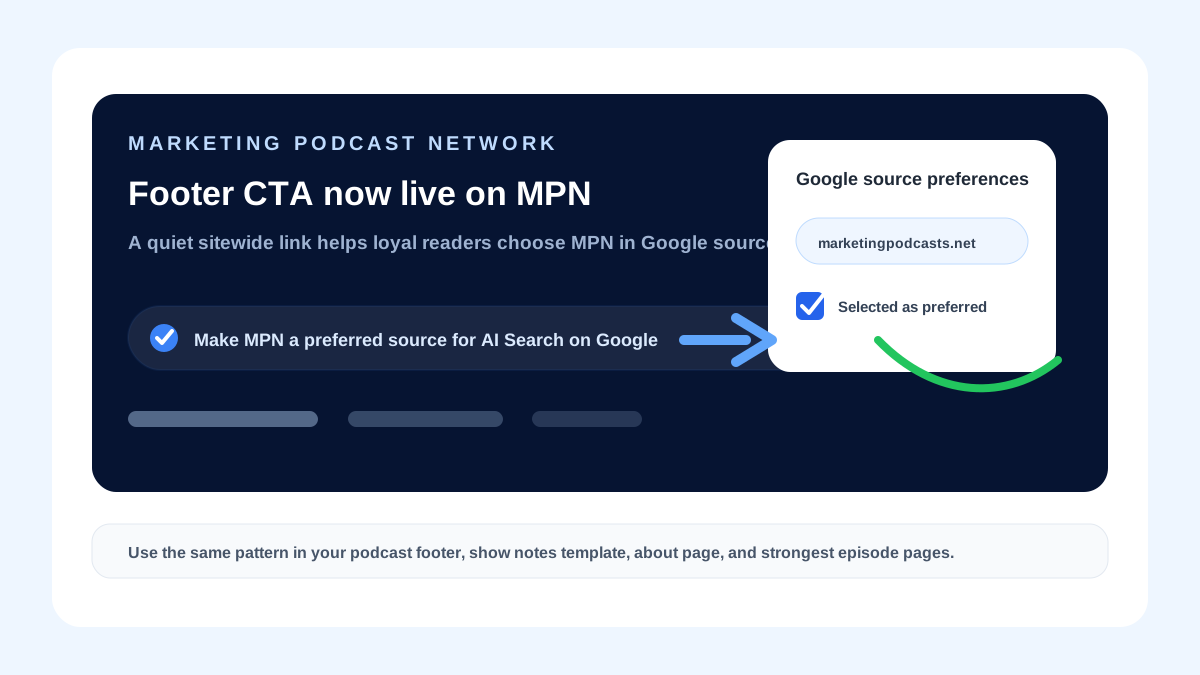
For podcast sites, also consider the show notes template, the about page, and high-performing episode pages. Those are the places where engaged listeners are already deciding whether your show is worth following, sharing, or citing.
- Footer: best for a quiet sitewide CTA.
- Show notes template: useful when every new episode has a consistent page.
- About page: helpful for people evaluating the show, host, or network.
- High-performing episode pages: good for evergreen episodes that already earn search traffic.
Screenshot And Illustration Ideas
If you are turning this into a member resource, newsletter, or onboarding doc, use screenshots that make the flow concrete. The goal is to show listeners what to click and what success looks like without implying a search performance guarantee.
- A footer CTA on your own site.
- The Google source preferences screen after the deeplink opens.
- The selected checkbox for your source.
- An AI Mode or AI Overview preferred badge, if it is visible for that signed-in user and query.
Podcast Site Checklist
Before adding the link everywhere, make sure the domain you use is the canonical home for your show or network. A clean implementation is better than scattering inconsistent links across templates.
- Confirm the exact canonical domain for the show or network.
- Use
https://www.google.com/preferences/source?q=yourdomain.comas the link format. - Open external links in a new tab with
target="_blank"andrel="noopener noreferrer". - Place the CTA near existing footer, social, subscribe, or trust links.
- Avoid language that promises rankings, citations, or AI Overview inclusion.
- Review the link on mobile and desktop after publishing.
FAQ
Does a Preferred Sources link guarantee that my podcast will appear in AI Overviews?
No. It helps users select your site as a preferred source in eligible Google experiences, but it does not guarantee rankings, citations, or AI Overview inclusion.
Should I link to my homepage, show page, or episode page?
Use the domain or eligible subdomain in the Google preferences URL. Google says domain-level and subdomain-level sites are eligible, while subdirectories are not.
Can podcast networks use this for their member shows?
Yes, networks can use a link for the network domain and can also teach member shows how to adapt the same pattern for their own canonical domains.